Workbucket
Get yourself and your team organized.
Capture tasks, organize priorities, and keep everyone moving in the same direction — without the ceremony.
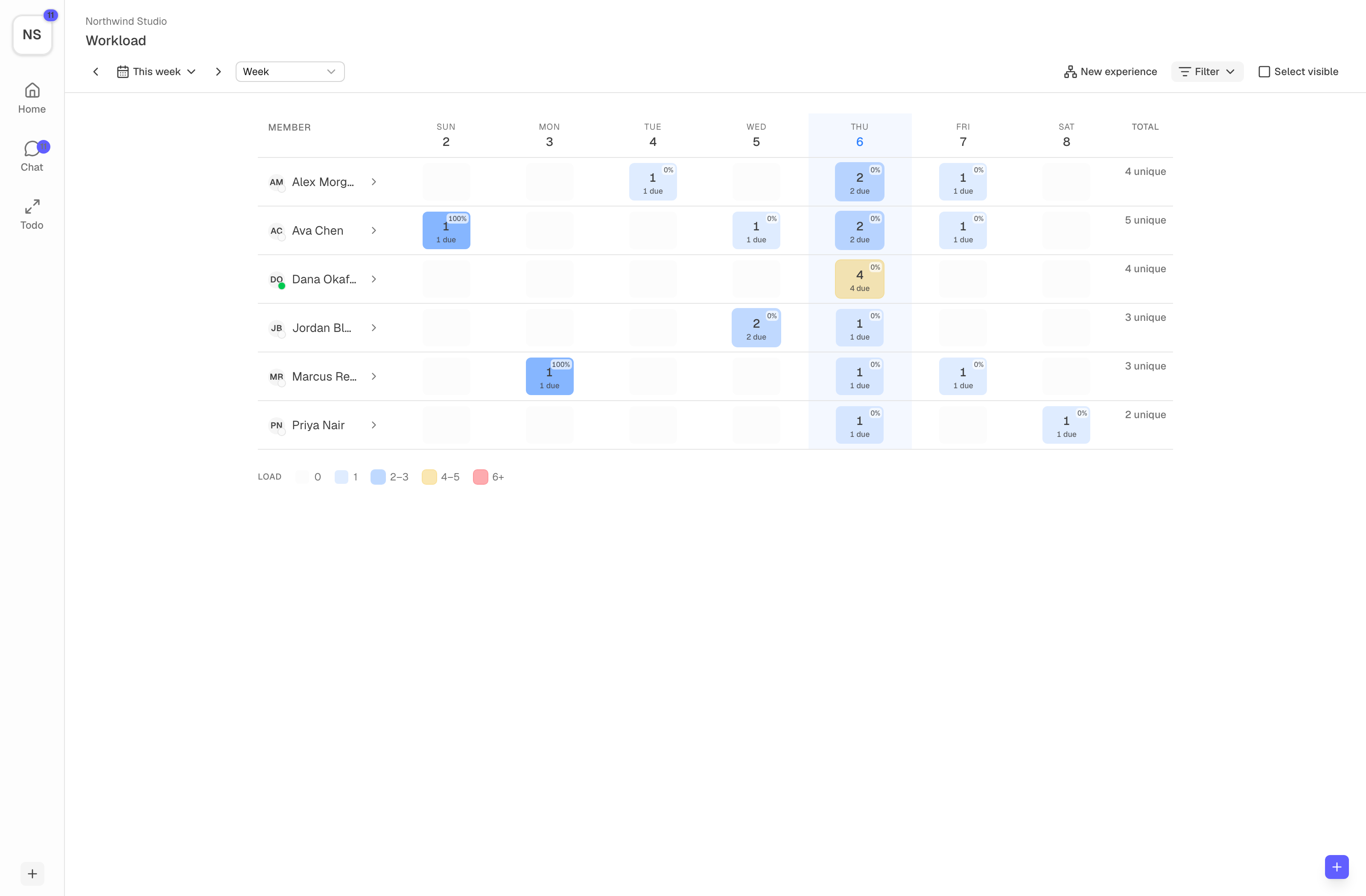
See the whole team
Know who's doing what, and when.
Plan across people and days. Watch work stretch over a week, spot overload before it happens, and keep everything moving.
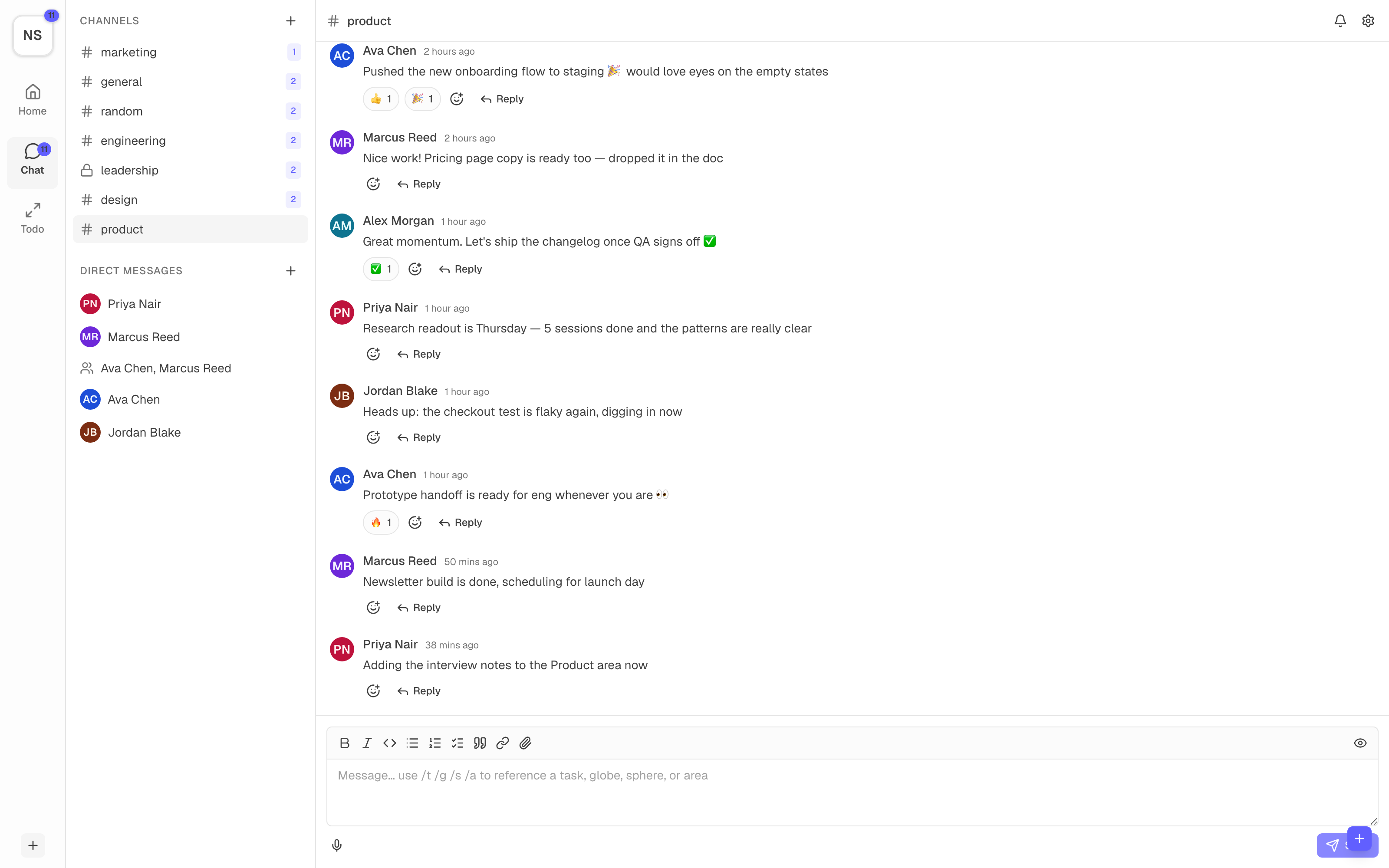
Stay in sync
Talk where the work happens.
Channels for every bucket, direct messages for the quick calls, reactions and threads for everything in between — and it all lives right next to the tasks, so there's no second app to check.
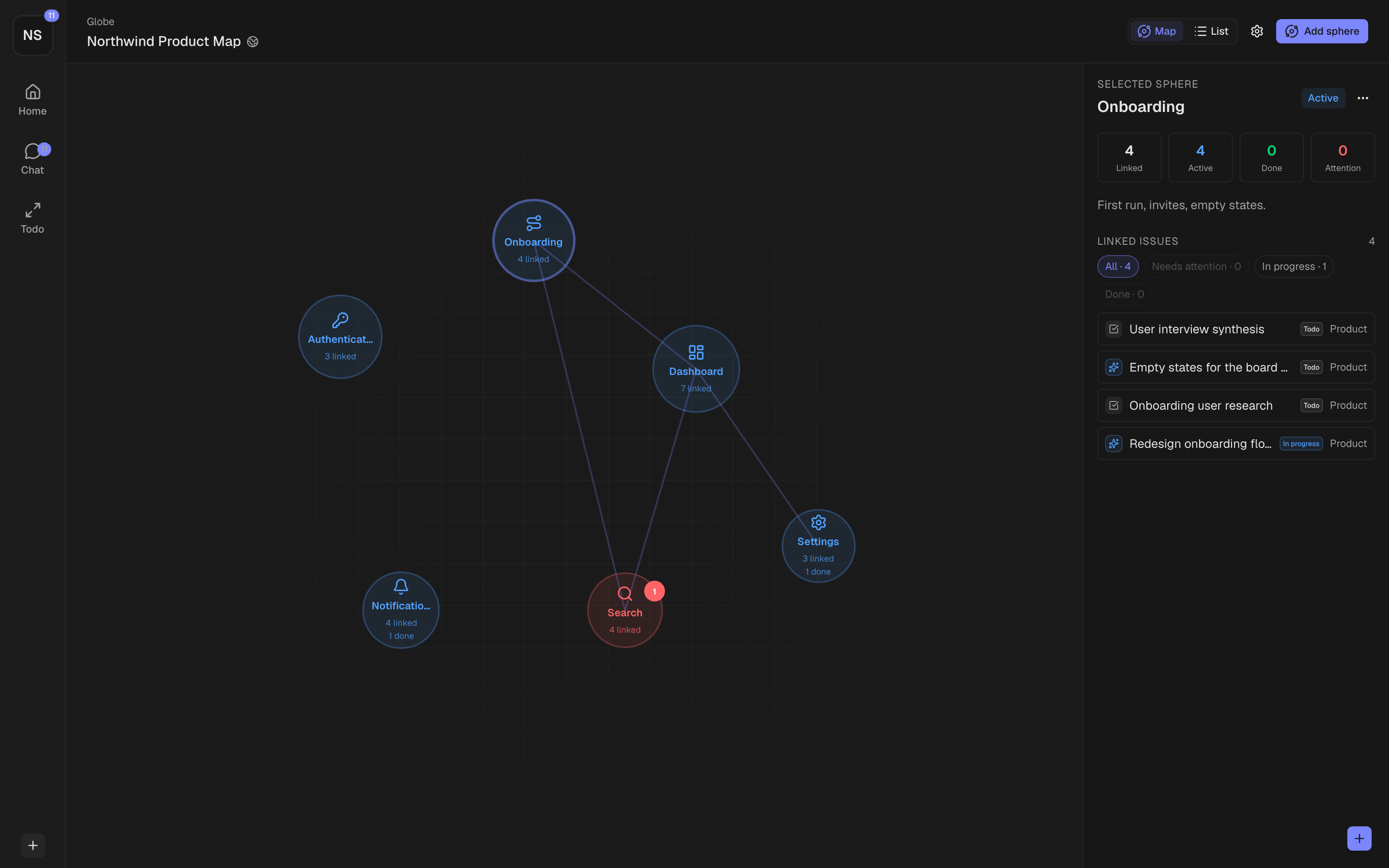
The big picture
See it all from above.
Group related work into spheres on a living map. Each one shows what's active, what's healthy, and what needs attention — so you can understand a product, a business, or your whole life at a glance.
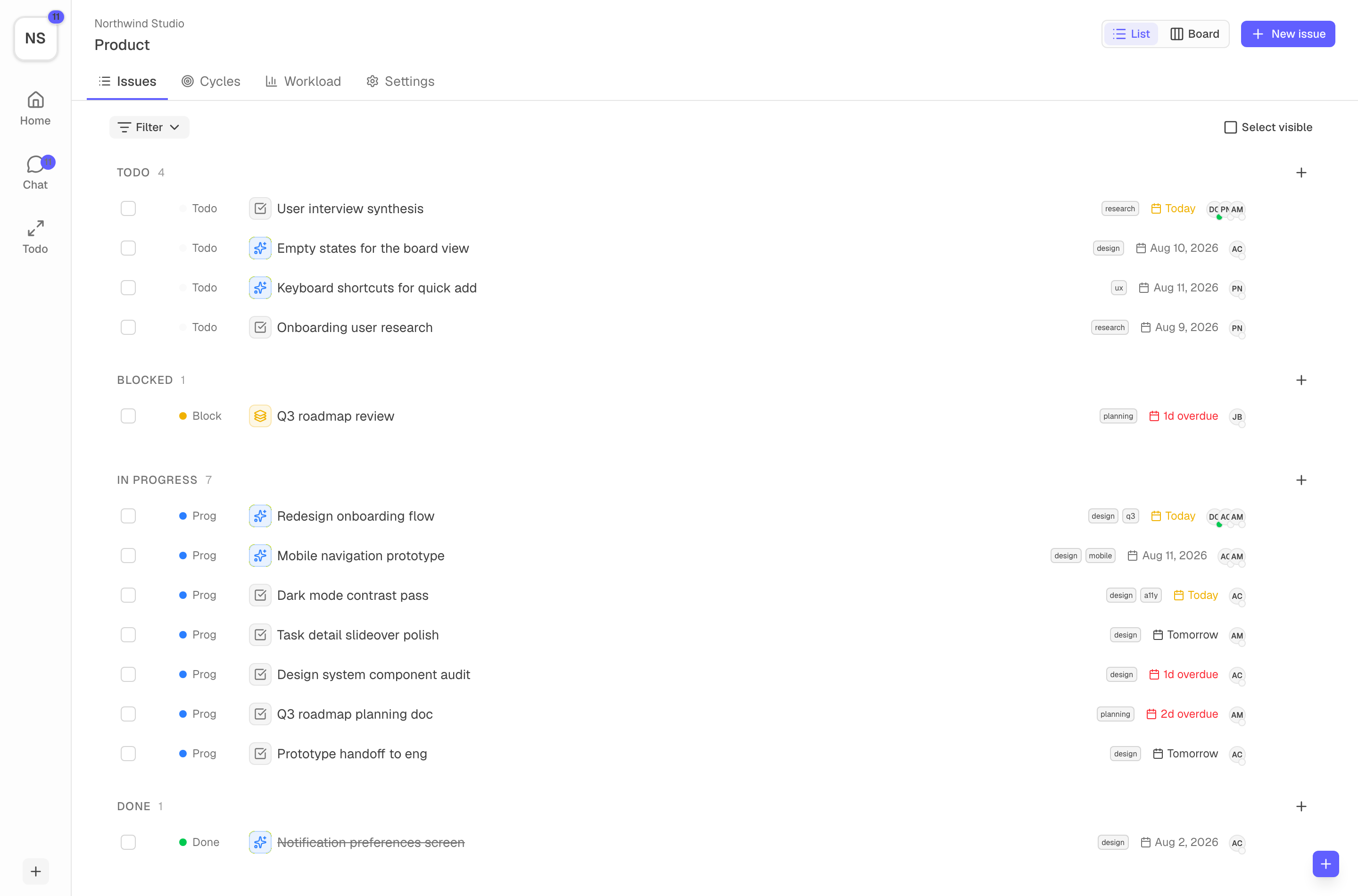
When it's time to execute
Then focus on just today.
Todo Mode clears everything else away and shows only what's due now — one thing at a time, on your desk or in your pocket.
Try Todo Mode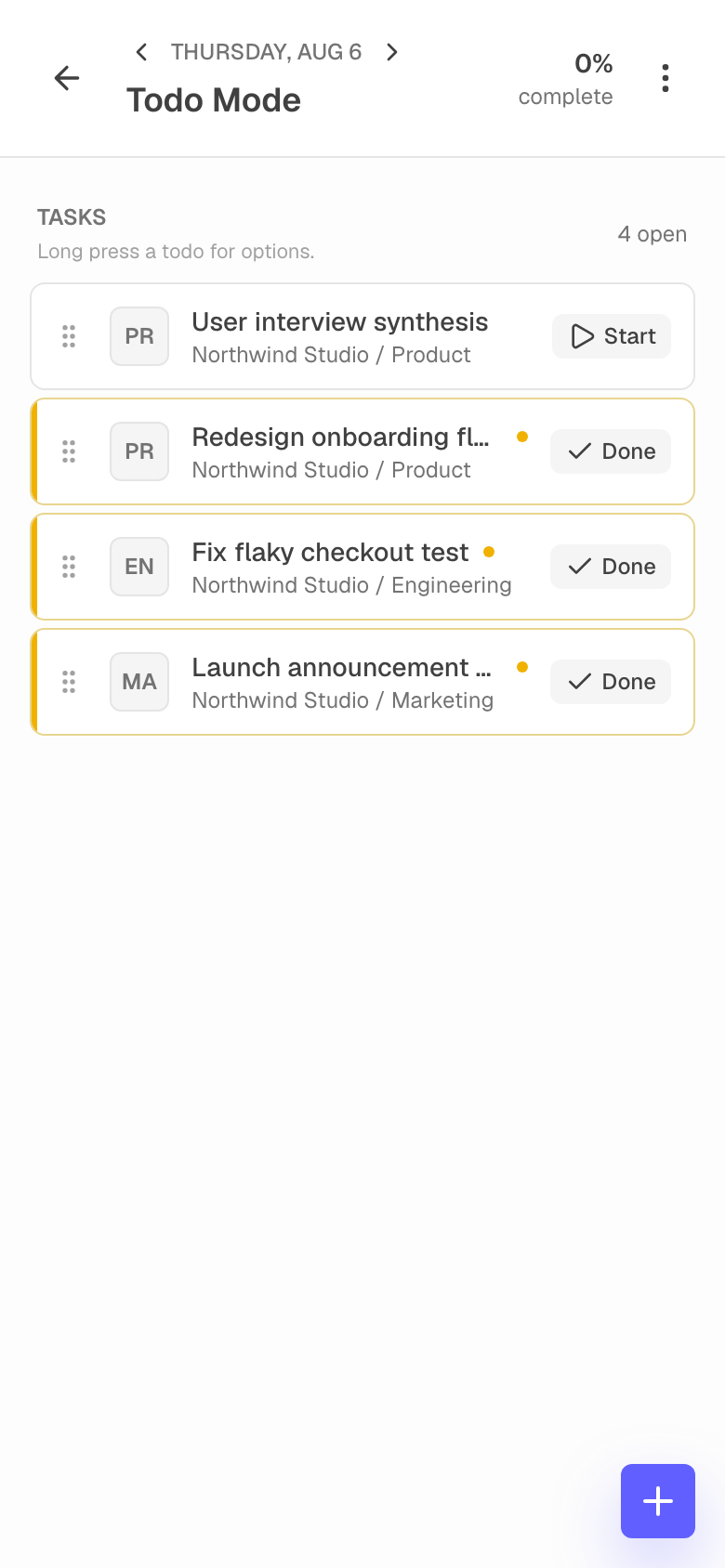
Bring your own AI
Or let your favorite AI do it.
Connect Claude, ChatGPT, Gemini, and more through a secure connector. They find, create, and update work as you — with your permissions.
How to connect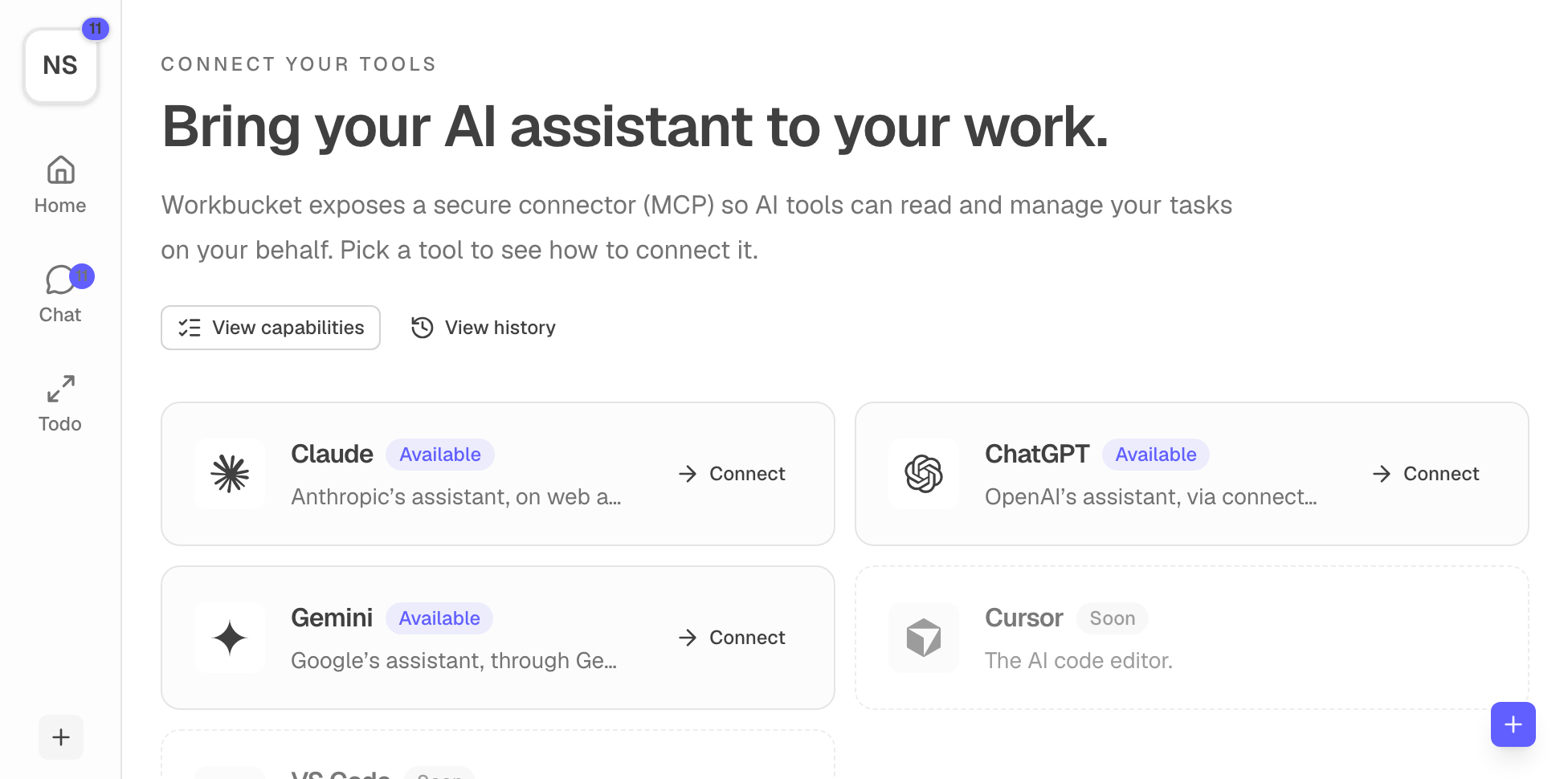
Start with one workspace. Add the rest when you need it.
Keep personal priorities and team execution organized without making the tool the work.